You purchased the hardware, plugged it into your television, and assumed total control over your viewing experience. However, a silent shift in the streaming landscape has left thousands of power users staring at blank screens where their favorite niche applications used to reside. This wasn’t a hardware failure or a connectivity glitch; it was a calculated, irreversible firmware update designed to close the final frontier of open-source streaming on the platform.
For years, a specific loophole allowed users to bypass the official ‘walled garden’ of the channel store, granting access to beta apps, third-party utilities, and uncensored content. This ‘hidden habit’ of sideloading was the primary reason tech-savvy consumers remained loyal to the brand. Now, that backdoor has been slammed shut, fundamentally changing the ownership dynamic of your streaming device. Before you attempt a factory reset, you need to understand the architectural changes that have rendered third-party sideloading obsolete.
The Institutional Shift: Understanding the Developer Mode Ban
The core of this controversy lies in the removal of Non-Certified Channels and the aggressive restriction of Developer Mode. Historically, Roku offered a feature intended for software engineers to test applications before submitting them to the official Channel Store. However, this feature became a widespread workaround for users to install content that Roku did not officially sanction, ranging from harmless beta builds to copyright-infringing IPTV services.
Recent OS updates have introduced a verification layer that effectively neutralizes this capability for the average user. The platform now requires robust identity verification and billing documentation to maintain a developer account, and limits the number of beta users allowed on a single channel. This move transitions the ecosystem from an open playground to a strictly curated digital rights management (DRM) fortress.
Impact Analysis: Who Loses What?
The following table breaks down how this policy shift impacts different segments of the user base.
| User Segment | Previous Capability | Current Restriction |
|---|---|---|
| Casual Streamers | Access to private channels via simple numeric codes. | Total block. Codes no longer function; channels auto-removed. |
| Power Users/Hobbyists | Sideloading open-source media players (e.g., specific IPTV clients). | Restricted access. Requires verified developer credentials and constant re-sideloading. |
| Actual Developers | Unlimited beta testing groups for app QA. | Capped testing. Strict limits on user numbers per beta channel to prevent public distribution. |
With the user base fractured by these restrictions, it is crucial to examine the technical mechanics used to enforce this ban.
The Technical Mechanism: How the Loophole Was Closed
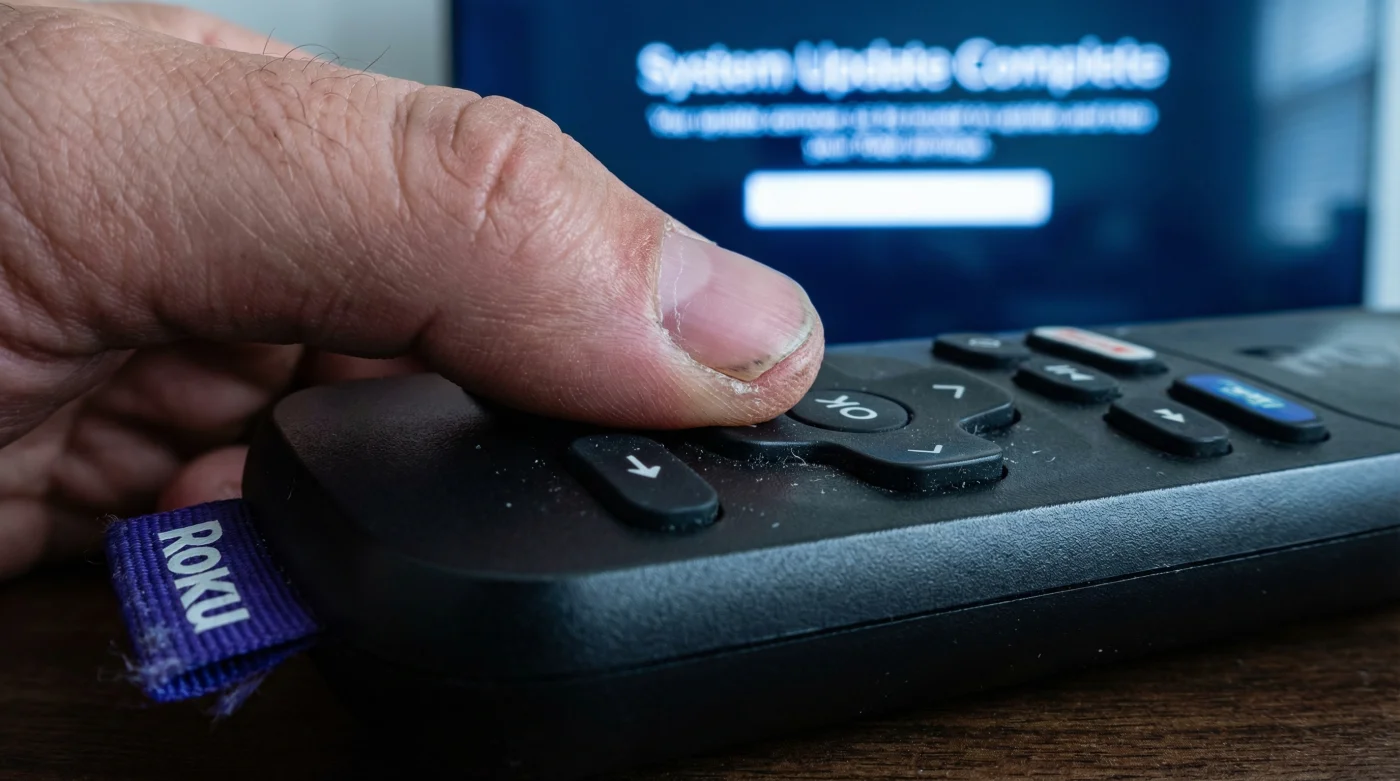
The shutdown is not merely a policy change; it is hard-coded into the latest Roku OS firmware. Previously, entering a specific sequence of buttons on the remote control granted access to a hidden menu where users could enable the installer server. This allowed the device to accept IP-based uploads from a local computer.
- Soundbars outsell complex receiver systems for the first time in history
- Roku disables developer mode access effectively banning third-party app sideloading
- Sony unlocks one hundred twenty hertz refresh rates specifically for console gamers
- Netflix quietly reduces streaming bitrates causing visible grain on 4K televisions
- Running standard power cords behind drywall voids your home fire insurance
Technical Protocol Shifts
To understand the severity, we must look at the data handling changes.
| Feature | Legacy Protocol (Open) | Modern Protocol (Locked) |
|---|---|---|
| App Source Verification | Client-side only (Device trust). | Server-side enforcement. Constant callback to Roku HQ. |
| Beta Channel Lifespan | Indefinite (Years). | 120 Days Maximum. Forced expiration requiring re-certification. |
| User Cap per App | Unlimited (Millions potential). | 20 Users. strictly enforced to prevent mass distribution. |
Understanding these hard limits explains why your screen suddenly went black, leading us to the diagnostic steps necessary to confirm your device’s status.
Diagnostic & Scientific Depth: Troubleshooting the Ban
Many users confuse a network error with a channel ban. Before assuming your Roku has permanently locked you out of your content, perform this diagnostic routine. This process helps distinguish between a localized cache error and a server-side revocation of rights.
Symptom = Cause Analysis
- Symptom: Channel icon remains but returns to the home screen immediately upon clicking.
Diagnosis: Certificate Revocation. The app is installed, but its launch permission has been stripped by the OS. - Symptom: ‘Channel not available’ warning popup.
Diagnosis: Store Delisting. The developer account associated with the channel has been banned. - Symptom: Developer Mode accepts password but refuses browser connection.
Diagnosis: Network Sandbox. The new OS update has restricted local network API calls for sideloading.
If you are experiencing the first symptom, there is no software patch you can apply to fix it; the application binary interface (ABI) has been permanently severed. Experts advise against attempting to downgrade the firmware, as this can lead to ‘bricking’ the device due to anti-rollback protection fuses burned into the chip.
With the diagnostic reality set in, the only remaining option is to evaluate the hardware landscape for alternatives.
The Survival Guide: Navigating the Post-Sideload Era
For users who prioritize freedom over simplicity, the Roku ecosystem may no longer be viable. The ‘walled garden’ approach ensures security and stability for the average viewer but alienates the enthusiast. If sideloading is a non-negotiable requirement for your home theater setup, you must look at operating systems based on the Android Open Source Project (AOSP).
The following guide assists in determining whether you should stay within the ecosystem or migrate your hardware.
| Criteria | What to Look For (Viable Alternatives) | What to Avoid (Restricted Systems) |
|---|---|---|
| Operating System | Google TV / Android TV. Native support for APK installation via USB or Downloader apps. | Roku OS / Apple tvOS. Highly restricted file systems with no direct file access. |
| Developer Access | ‘Build Number’ hidden menu unlock (7 taps). Universal standard. | Proprietary developer modes requiring credit card verification and strict usage caps. |
| Hardware Options | NVIDIA Shield, Chromecast with Google TV, Fire TV Stick 4K Max. | Roku Ultra, Roku Stick 4K, Apple TV 4K (unless solely for licensed apps). |
While the loss of third-party channels marks the end of an era for Roku, it signals a maturity in the streaming market where control is consolidated to ensure copyright compliance and user safety.